
Don't store your records in just one place
Like a single hard drive, or uploaded to a single social media website or cloud storage server.
Physical hard drives can become inaccessible. Social media and cloud platforms may reformat images without your knowledge, or go out of business.
Good storage leaves you in control, on stable storage media, and means you have multiple copies to back up your records in case of a disaster.
Follow the 3-2-1 rule: make 3 copies
A good practice for storing data is the 3-2-1 rule. This means:
- Making three (3) copies of your data.
- Using two (2) different types of storage media.
- Keeping one (1) of those backups in a different place.
Following the 3-2-1 rule ensures that if one copy is lost or damaged, you still have other backups to recover your data. This reduces the risk of losing important files due to hardware failure, theft, or natural disasters.
| Case study: Emily loves saving family photos, important family recipes and other historical documents. She uses the 3-2-1 rule to keep them safe. First, she stores her files on her computer. Then, she copies them to an external hard drive at home. Finally, she uploads them to a cloud service like Google Drive. This way, she has 3 copies of her files, uses 2 types of storage, and keeps one copy off-site. This method helps Emily protect her digital archive from loss or damage. |
What to store your archive on: the pros and cons
| Storage type | What is it? | Pros | Cons |
| Cloud storage | An online service that stores online which is accessible from any device with internet. |
|
|
| External hard disk drive | A portable device that stores data which connects to a computer via a cable. |
|
|
|
|
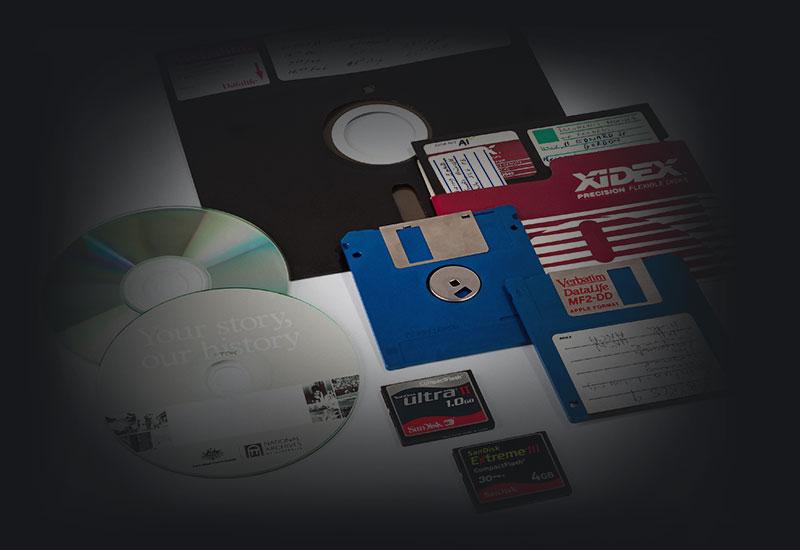
A disk that can store large amounts of data which connects to a computer via a disk drive. Not recommended for long term storage. |
|
|
| USB flash drive | A small external flash drive which connects to a computer via a USB port. |
|
|